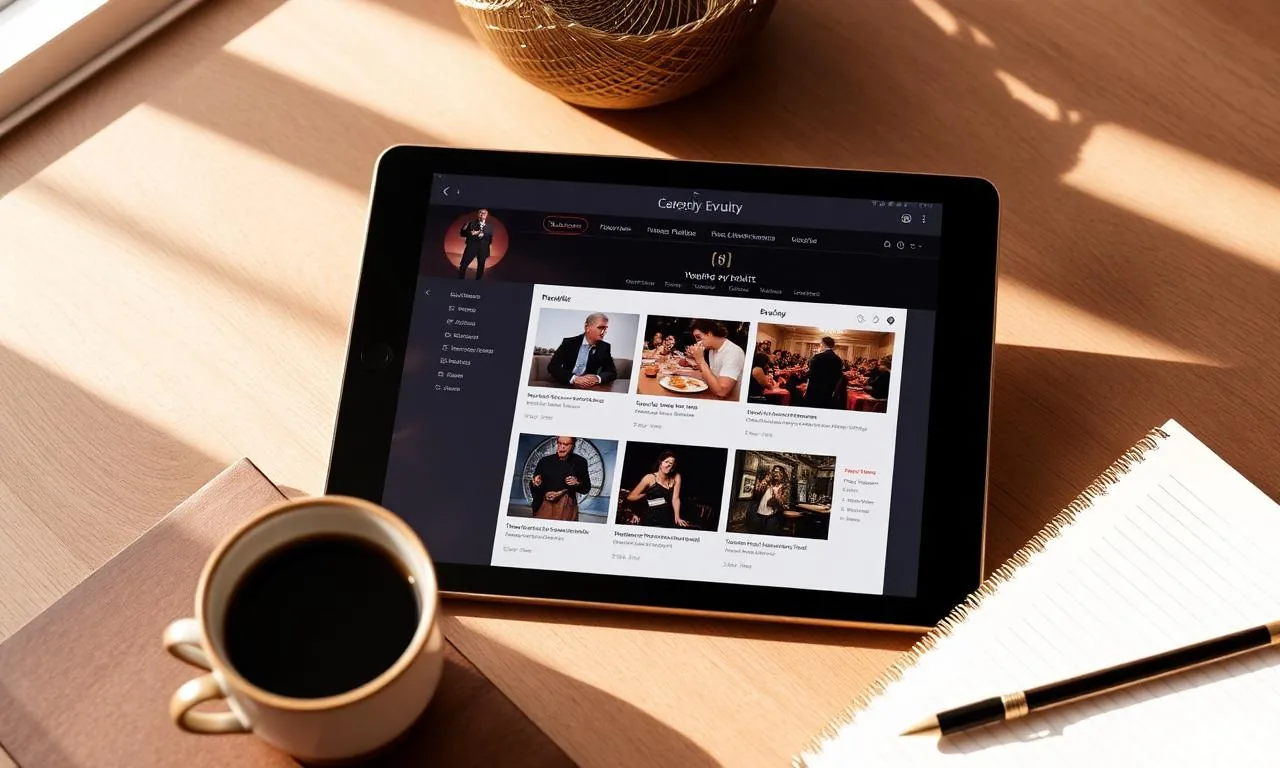
You can now sell tickets for your events without leaving miEventto. You publish the event, set up zones and prices, and the system builds a branded public page, collects payment via Mercado Pago and emails a QR ticket to every buyer — all connected to the same CRM and collections module you already use every day.
How it works, step by step
- Create the event in miEventto with date, venue and flyer (the public page picks up your flyer's colors so it looks on-brand).
- Enable ticket sales in the "Public" tab and define zones (e.g. General, VIP, Tables), quantity per zone and price.
- The system shows a revenue potential table at the top so you see the maximum income before opening sales.
- The event is published at a clean URL:
/event/you can share via WhatsApp, Meta Ads or your website. - The buyer visits, picks a zone and quantity, pays with Mercado Pago and receives a QR ticket by email automatically.
- The payment lands in the event's collections module and the ticket is registered for QR check-in on event day.
What kind of events it works for
- Festivals and concerts: numbered zones, VIP and general, with per-zone capacity.
- Conferences and congresses: per-day tickets or full passes, with volume discounts.
- Weddings and private events: free ($0) tickets to confirm attendance without charging — the payment form is hidden automatically when the price is zero.
- Quinceañeras and graduations: tickets for guests with assigned tables.
- Workshops and courses: limited capacity with automatic waitlist when a zone sells out.
Collections and fees
Every ticket sold shows up immediately in the event's collections module, broken down by zone. The Mercado Pago fee (5%) is split automatically from net revenue, so you see at a glance how much you collected, how much went to fees and what is left to settle. No manual reconciliation: the ticket, the payment and the check-in live in the same record.
Free tickets without a payment gateway
If you set a zone to $0, the system hides the Mercado Pago form and lets people "buy" free tickets: they fill in their details, receive a QR ticket and are added to the check-in list. Ideal for private events where you need to confirm attendance without charging but still control capacity and track who showed up.
Private preview for your team
While the event is not yet open to the public, your team members (admin, manager and team) can see the event page because they are logged into the platform — useful for reviewing the flyer, prices and design before publishing. Once you open it to the public, anyone with the link sees it without logging in.
FAQ
Do I need a separate Mercado Pago account?
Yes. You configure your Mercado Pago credentials once and all your events use the same account to receive payments directly.
Can I have free and paid tickets in the same event?
Yes. You can have a free zone (no gateway) and paid zones at the same time.
Does the buyer need a miEventto account?
No. The buyer just fills in name, email and quantity, pays and receives their QR ticket by email.
Can I see how many tickets are left per zone?
Yes, in real time from the event's "Public" tab, alongside the revenue potential table and what has already sold.
Start selling tickets today
Publish your next event in miEventto and sell tickets from a branded page, with Mercado Pago payments, automatic QR tickets and integrated collections. See plans · Browse solutions by industry · Try free for 30 days, no card.